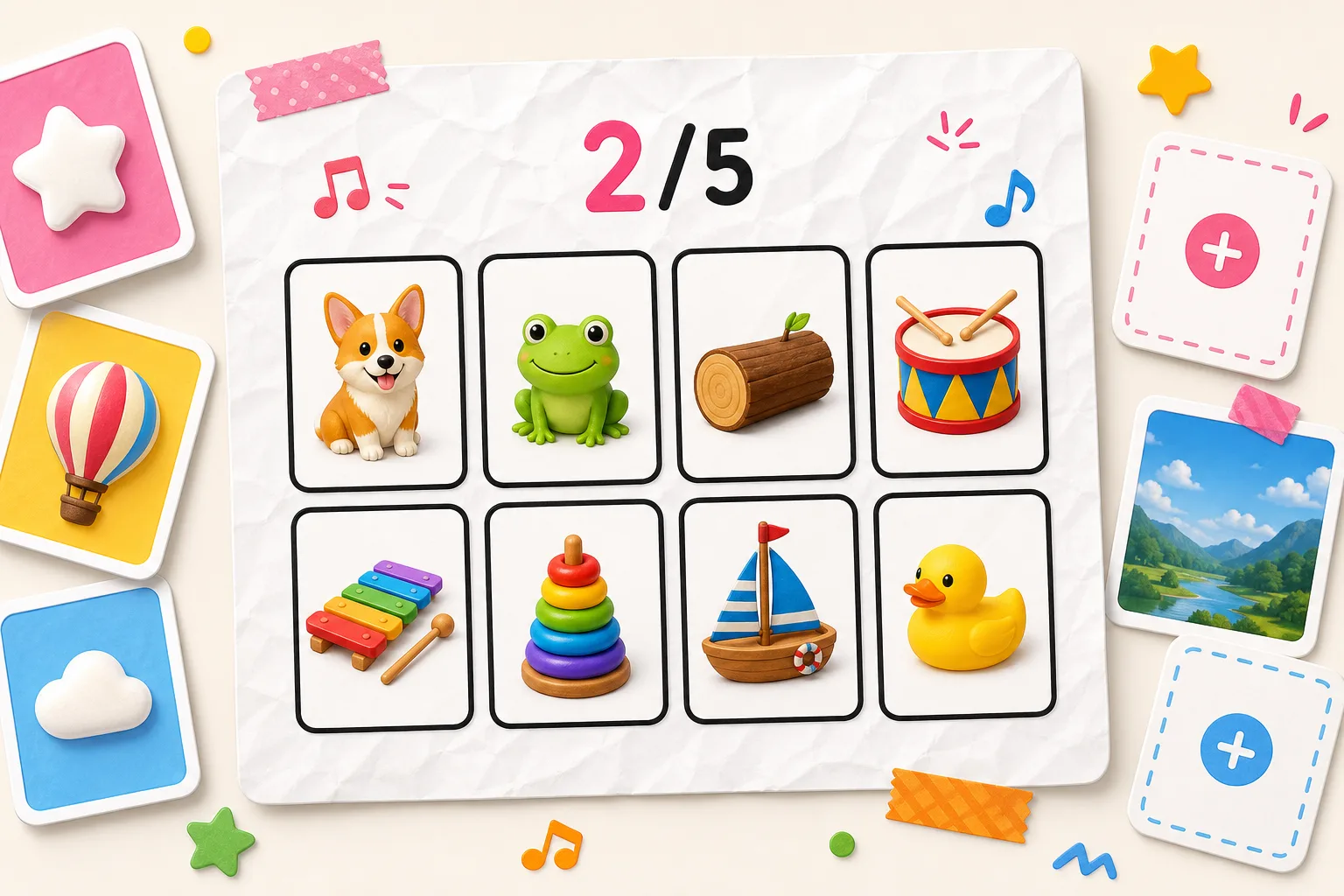
You know the drill: the beat drops, smooth visuals slide in, and you have to name them instantly. Now, imagine those visuals are your photos. Whether it's "Guess the Anime Character," an "Inside Joke Challenge" for friends, or a study aid, you can now build it yourself with our new Custom Challenge Creator.
Here is a step-by-step guide on how to build, customize, and share your own levels.
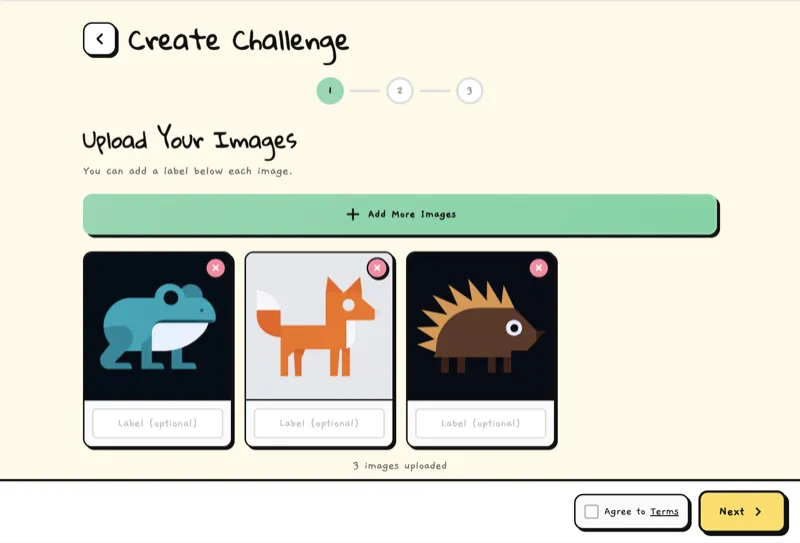
Step 1: Upload Your Images
First, tap the "Create Custom Challenge" button to open the creator tool. You'll see an upload zone where you can add images from your device.
- Supported Formats: PNG, JPG, WebP.
- Limits: You need at least 2 images to start, with a maximum of 8 images.
- Labels: You can add a text label to each image (like the character name or correct answer) to help players know what to say.
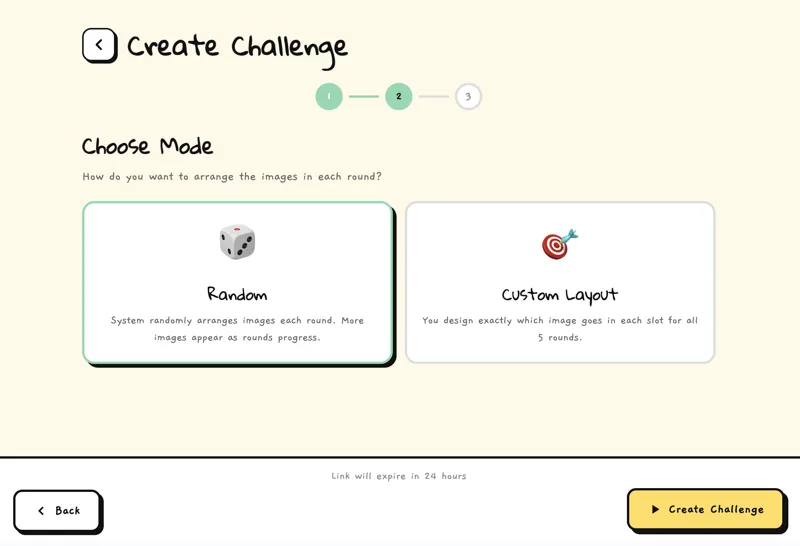
Step 2: Choose Your Mode
Once your images are ready, you have two ways to play:
- Random Mode: The system automatically shuffles your images into 5 rounds. It starts easy and gets chaotic--perfect for quick fun.
- Custom Mode: You have full control. You decide exactly which image appears in every slot for all 5 rounds. Great for storytelling or progressive difficulty.
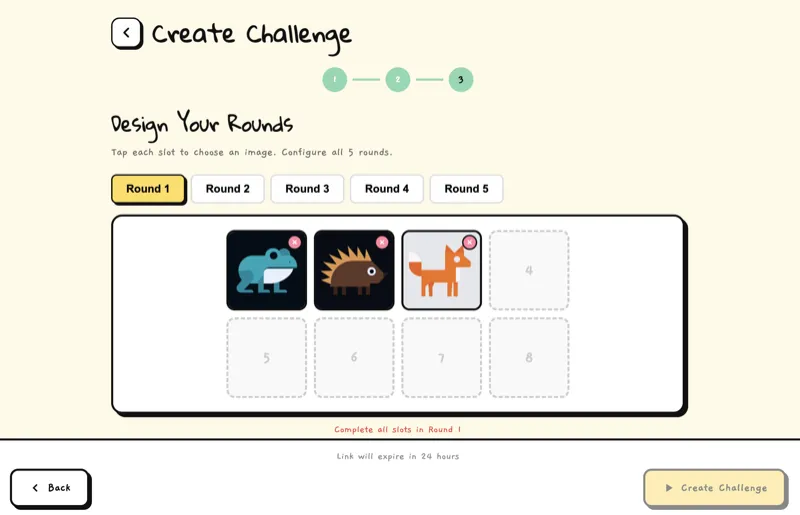
Step 3: Design the Rounds (Custom Mode)
If you choose Custom Layout, you get to be the level designer. You'll see a grid representing the beat.
Tap any empty slot, then pick one of your uploaded images to place it there. You can create patterns, repetitions, or tricky sequences to throw your friends off. You must fill all slots for all 5 rounds before you can finish.
Step 4: Create & Share
Once you're happy with your setup, hit Create Challenge. After a brief processing moment, your game will be live!
You'll be redirected to your unique game link. Copy it and send it to your friends, or share it on social media.
Ready to make your own? Head over to the creator now and show us what you've got!